

Download XSearch – Fast, Free Local Search Tool for Windows
Overview of XSearch
XSearch is a lightweight, free Windows utility designed to speed up file discovery on your local computer. Belonging to the “Software utilities” category with a focus on “Search Utilities,” XSearch offers a no‑frills interface that indexes folders, scans file names, and returns results in a fraction of a second. First released in 2006, the program has attracted a solid user base in regions such as China, Turkey, and Pakistan, where it consistently appears among the most‑downloaded utilities for Windows 98 and later.
Its small installer (well under 5 MB) means it consumes minimal storage space, making it an ideal choice for older machines or systems with limited disk capacity. Despite its age, XSearch remains relevant because it avoids the bloat and telemetry concerns that plague many modern search tools. Users receive a pure, offline experience that respects privacy while delivering the speed needed for everyday tasks like locating documents, images, or executable files.
The latest stable version, 1.0, was last updated on September 14, 2006, and continues to function reliably on legacy Windows platforms, providing a perfect blend of simplicity and efficiency for both power users and casual PC owners.
Key Features of XSearch
- Ultra‑light footprint: The installer is under 5 MB and the program runs with less than 10 MB of RAM.
- Instant indexing: Scans selected folders on demand and builds an index in seconds.
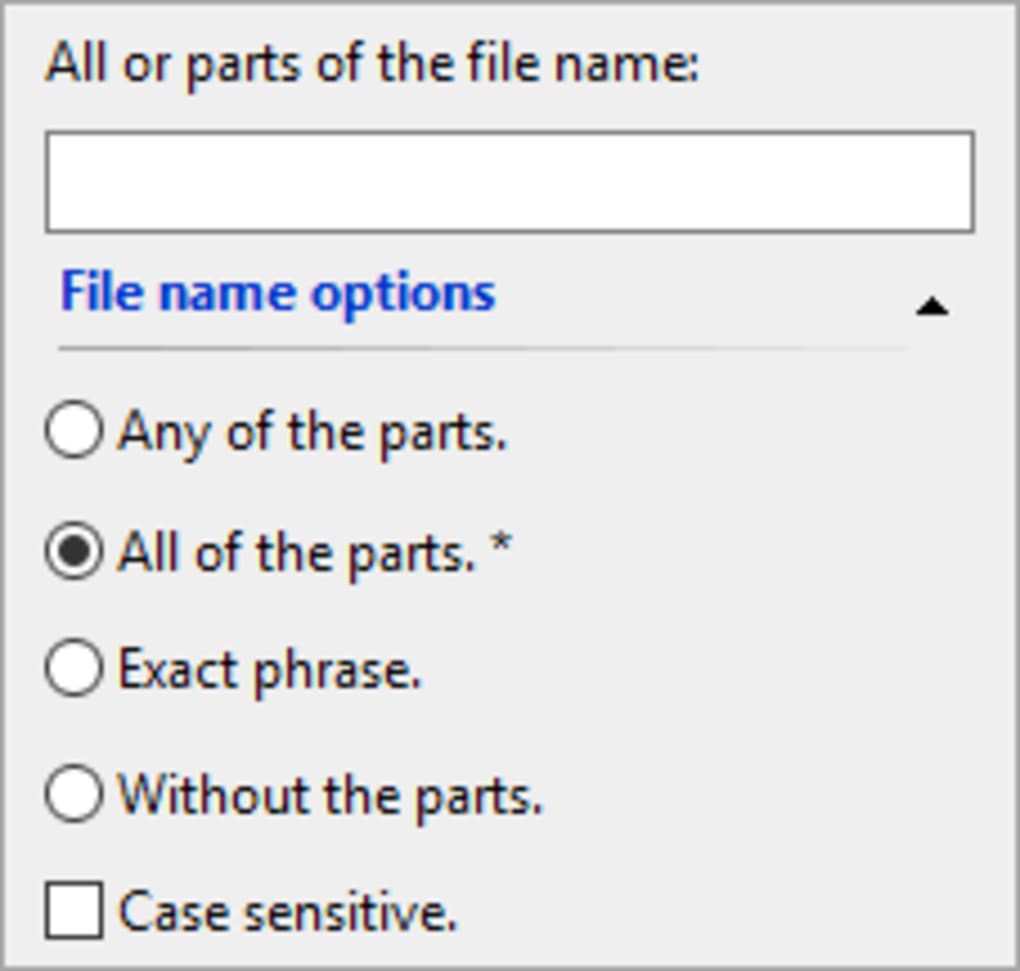
- Wildcard support: Use * and ? to broaden search patterns for partial file names.
- Case‑insensitive search: Finds files regardless of capitalization, saving time on mixed‑case directories.
- Result preview: Shows file size, path, and last modified date directly in the results window.
- Portable mode: Can be run from a USB stick without installation, perfect for technicians.
- Customizable filters: Exclude file types or specific folders to keep the index lean.
- Multi‑language UI: Although the primary language is English, the interface supports basic Unicode characters for international file names.
- Secure offline operation: No internet connection required; all searches stay on your local machine.
- Free and ad‑free: Completely free to download and use, with no hidden ads or upgrade prompts.
Installation and How to Use XSearch Effectively
Step‑by‑Step Installation
Downloading XSearch is straightforward. Visit the official download page, click the Download button, and save the XSearchSetup.exe file to your computer. Run the installer; the wizard guides you through a three‑step process: accept the license agreement, choose an installation folder (the default is C:\Program Files\XSearch), and click Install. Because the program is lightweight, the installation completes in under a minute, even on older hardware.
For users who prefer a portable version, simply extract the .zip archive to a USB drive and launch XSearch.exe directly—no admin rights needed. This flexibility makes XSearch a handy tool for IT support staff who need a reliable search utility on multiple machines.
First‑Run Configuration
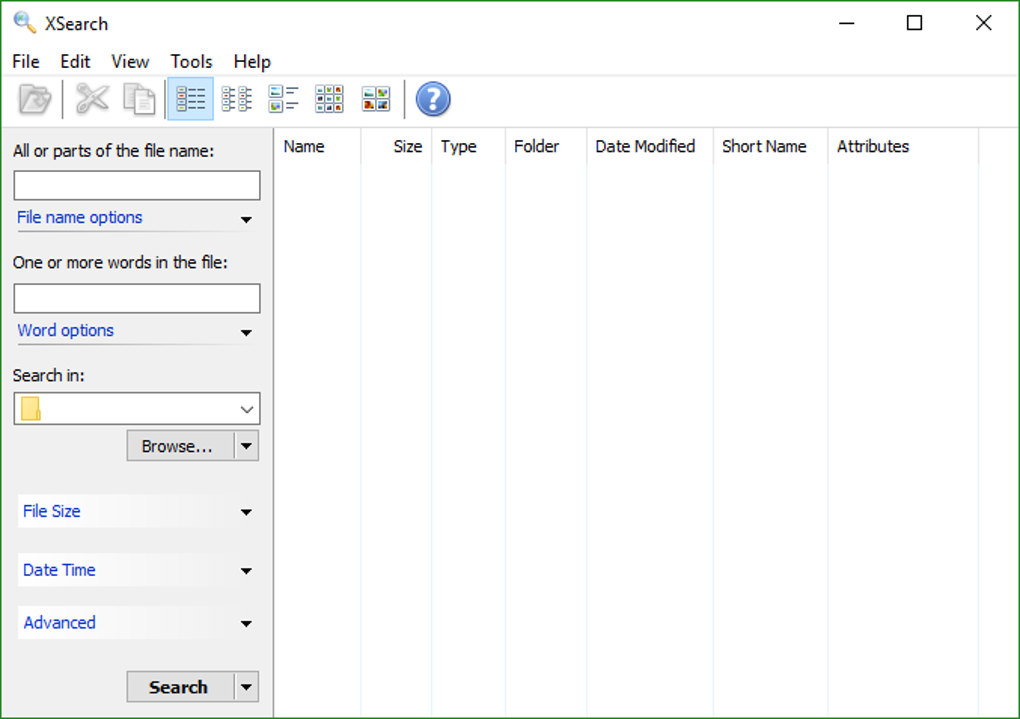
When you launch XSearch for the first time, you’ll be greeted by a clean interface with three main panes: Folders to Index, Search Box, and Results. Click the Add Folder button and browse to the directories you want to include—commonly C:\Users\YourName\Documents, C:\Program Files, or any shared network drives. After selecting folders, press Build Index. The indexing process runs in the background and displays a progress bar; thanks to the efficient algorithm, a typical 200 GB drive indexes in under two minutes on a modest CPU.
Performing a Search
Enter your query into the search box. XSearch supports basic Boolean operators (AND, OR) and wildcards. For example, typing report*.pdf finds all PDF files that start with “report”. The results pane updates instantly, showing file name, full path, size, and modification date. Double‑click any result to open the file in its default program, or right‑click for options such as “Open Containing Folder” or “Copy Path”.
Advanced Tips
- Exclude system folders: Add
C:\Windowsto the exclusion list to keep the index fast. - Schedule automatic re‑indexing: Use the built‑in scheduler to refresh the index every week, ensuring newly added files appear promptly.
- Integrate with the context menu: Enable the optional shell extension to right‑click any folder in Explorer and launch a quick XSearch within that folder.
These simple steps turn XSearch into a powerful, everyday companion for locating files, scripts, or media without the overhead of heavyweight enterprise solutions.
Compatibility, Pros, and Cons of XSearch
XSearch runs on Windows 98, Windows ME, Windows 2000, Windows XP, Windows Vista, Windows 7, and even newer versions like Windows 10 and Windows 11, provided you run the program in compatibility mode for legacy support. Because it does not rely on modern .NET frameworks, it works natively on older Windows kernels, making it an excellent choice for legacy workstations that cannot upgrade to contemporary software.
Pros
- Extremely small download size and low RAM usage.
- Fast indexing and near‑instant search results.
- Portable version available for USB deployment.
- No ads, telemetry, or hidden fees—completely free.
- Works offline, preserving user privacy.
- Supports wildcard and basic Boolean queries.
- Customizable exclusion lists keep the index lean.
Cons
- Interface looks dated compared to modern Windows 10/11 apps.
- Lacks advanced metadata search (e.g., content inside documents).
- No built‑in cloud integration or remote indexing.
- Last official update was in 2006, so no recent bug‑fixes.
- Limited language support beyond English.
Overall Rating: 4 out of 5 stars – XSearch delivers reliable, speedy local file search for Windows users who value simplicity and low resource consumption.
Frequently Asked Questions about XSearch
-
Is XSearch still safe to use despite the last update being in 2006?
Yes. XSearch is a standalone executable that does not connect to the internet, so it isn’t exposed to modern security threats that target networked software. As long as you download it from a reputable source, the program remains safe for offline file searching.
-
Can XSearch index network drives or shared folders?
Absolutely. During the “Add Folder” step you can browse to any mapped network drive (e.g.,
\\Server\Share) and include it in the index. Just be aware that indexing large network locations may take longer depending on bandwidth. -
Does XSearch support searching inside the content of files?
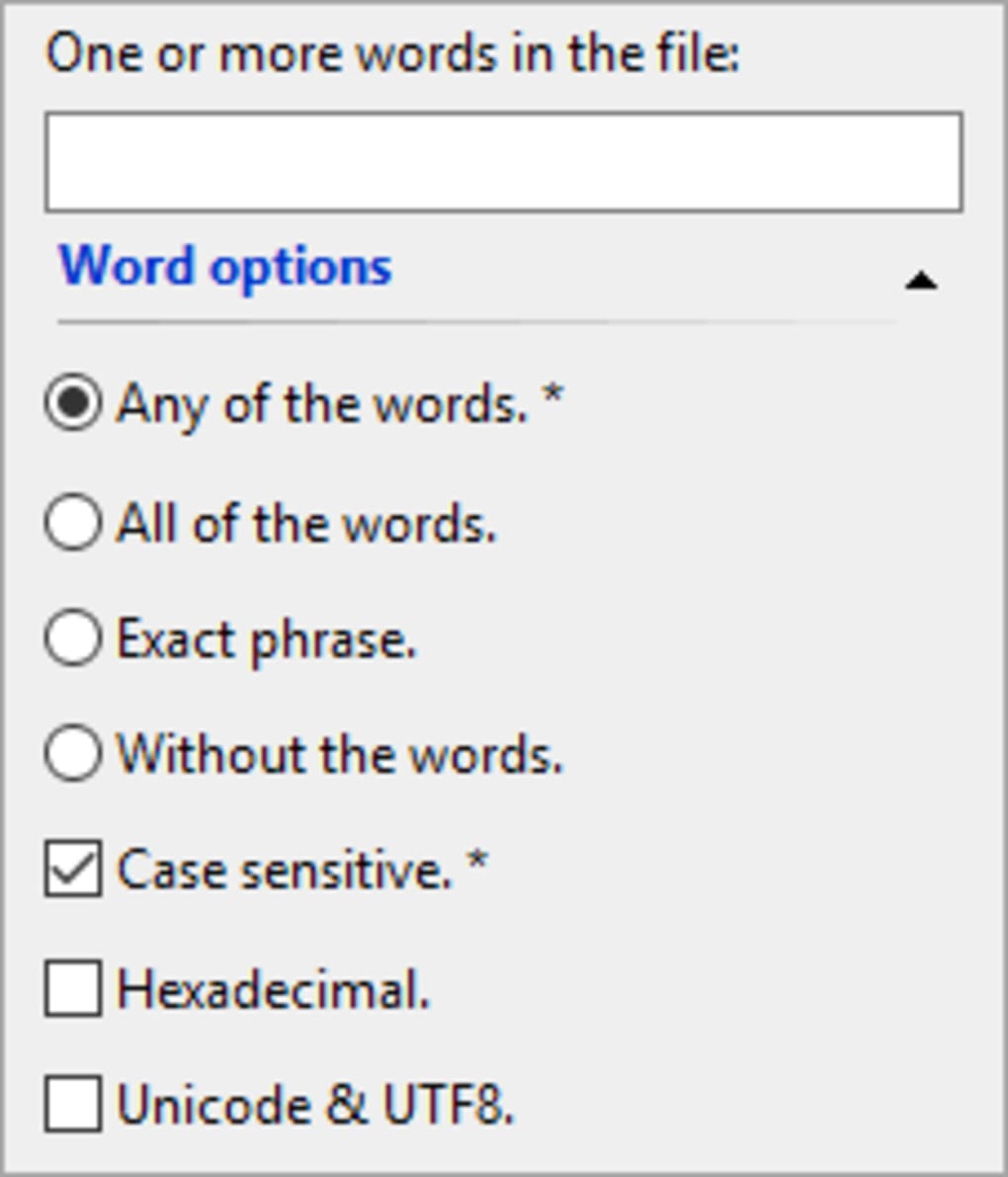
No. XSearch focuses on file name and path matching only. If you need full‑text search inside documents, consider pairing XSearch with a dedicated content indexer such as Windows Search or a third‑party tool.
-
How do I run XSearch in portable mode?
Download the ZIP version, extract it to a USB stick or any folder where you have write permission, and launch
XSearch.exe. The program will store its index in the same directory, leaving no trace on the host computer. -
Is there a way to schedule automatic re‑indexing?
Yes. Within the Settings menu you can enable the built‑in scheduler, choose a frequency (daily, weekly, or monthly), and specify a time when the computer is typically idle. This ensures the index stays up‑to‑date without manual intervention.
Conclusion – Should You Download XSearch?
If you own a Windows PC—especially an older system that struggles with heavyweight search utilities—XSearch offers a fast, secure, and completely free solution for locating files on your local drives. Its tiny installer, low memory footprint, and portable mode make it ideal for both home users and IT professionals who need a reliable tool without the clutter of modern apps. While the UI may feel dated and the program lacks deep content indexing, its core mission of quick filename search is executed flawlessly. For anyone looking to boost productivity, reduce time spent hunting for documents, and keep their system lean, downloading XSearch is a smart move.
Ready to try it? Click the download button below, install the program, and experience lightning‑fast local search on your Windows computer today.
Download XSearch Now






